
Skip to Content
AiServa
Tools and Models

Every Feature, One AI Workspace.

Business apps for tenders, bids, pricing, reports and documents, plus every tool and model behind AI Agent. Local on your own server, VYROX AI, or your own cloud keys.

Everything in One Platform.

Every organisation on AiServa gets the same complete platform in its own workspace. Nothing here is a custom build: it is all live, and your own administrators switch it on for the people who need it.

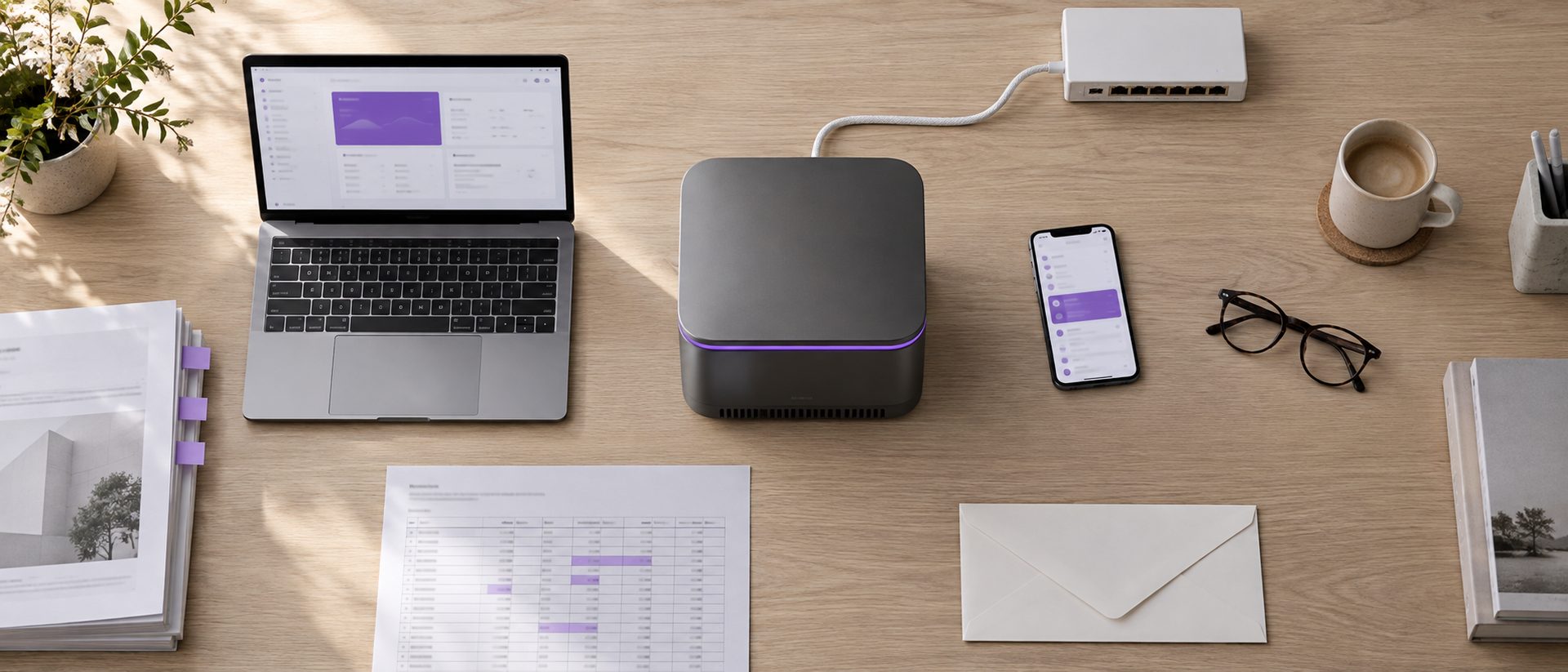
Top-down view of a pale oak desk with a graphite AiServa server glowing violet at the centre, surrounded by a laptop, a phone, tabbed documents, a highlighted spreadsheet, an envelope and a network switch
auto_awesomeAI Agent
  • checkPlans each task as a live checklist
  • checkFour permission modes, from Plan Only to Auto
  • checkAsks for missing details with one form
  • checkMarks up photos with circles, arrows and labels
  • checkCalls tools in plain text, so any model can use them
  • checkRetries, then a Fallback Model
  • checkAnswers survive a dropped connection
  • checkCut-off answers continue automatically
  • checkReader Model for images and long documents
  • checkTask Summary: what AI Agent did, what is open, next steps
  • checkWeb Browser panel for HTML it writes
  • checkAgent Runs for admins: where each run came from, tools, cost
  • checkOptional LangChain and LangGraph
Explore AI Agent arrow_forward
constructionAgent Tools
  • checkInternet Searcher
  • checkLink Reader for pages and long PDFs
  • checkOCR Reader for scans
  • checkBrowser Controller
  • checkFile Tools: PDF, Word, Excel, PowerPoint, CSV and more
  • checkPDF Tools: merge, split, extract
  • checkEmail drafts or your own SMTP
Explore Agent Tools arrow_forward
library_booksKnowledge Base
  • checkOrganisation, department or private
  • checkAnswers cite their sources
  • checkOriginal files to view, download, print
  • checkKeyword and meaning search, optional rerank
  • checkLocal or API embeddings
  • checkBuilt-in vector store or Qdrant
  • checkDocument manager beside the agent
Explore Knowledge Base arrow_forward
psychologyMemory
  • checkPrivate memory per person
  • checkOrganisation, platform and agent layers
  • checkTask summaries and past-task recall
  • checkPasswords and keys refused
  • checkEverything visible and deletable
Explore Memory arrow_forward
extensionSkills, Plugins and MCP Servers
  • checkSKILL.md skills: personal, organisation, platform
  • checkReviewed Skill Library with a Starter Pack
  • checkCommands you run with /name
  • checkPlugins that bundle skills, commands and MCP servers
  • checkMCP servers with ask-first control
  • checkBuilt-in MCP servers and plugins
Explore Skills, Plugins and MCP Servers arrow_forward
devicesWork Anywhere
  • checkAI Workspace
  • checkPhone home-screen app
  • checkAiServa Desktop for Mac, Windows, Linux
  • checkChrome extension side panel
  • checkREST API that runs AI Agent tasks, with signed webhooks
Explore Work Anywhere arrow_forward
groupsTeamwork
  • checkApprovals with time-limited grants
  • checkFile sharing with view, download or edit
  • checkFull file history
  • checkNotification Center
  • checkCalendar with sharing, Find a Time and outside guests
  • checkScheduled Jobs that run as you
  • checkAn AI Agent for administrators
Explore Teamwork arrow_forward
admin_panel_settingsAdmin and Security
  • checkRoles across 49 permission areas
  • checkOwn, Department or All record levels
  • checkPer-person tool rights
  • checkTwo-step sign-in and a sign-in policy
  • checkRemote sign-out of any session
  • checkBranding and AI Identity
  • checkAudit log of administrator changes
  • checkConsole Apps for organisation-wide records
  • checkRules, Spending Limits and an Emergency Stop
Explore Admin and Security arrow_forward
dnsServers and Models
  • checkOne-line installer for macOS, Linux and Windows
  • checkInstall, switch and stop models from the browser
  • checkHardware-fit check before you install
  • checkSelf-updating server software
  • checkVYROX AI, local and Bridge models
  • check34 cloud providers with your own key
  • checkvLLM, LM Studio, llama.cpp and LocalAI
Explore Servers and Models arrow_forward
AI Workspace Apps

Business Apps, AI in Every One.

Open any app from the Apps button. The AI chat sits beside it and knows what you are looking at.

Tender and Bid Suite in AiServa, on a pale oak desk beside a graphite server
gavel

Tender and Bid Suite

Find tenders, price the bill and send the bid, with AI beside every item.

checkTender Opportunities
Open tenders found online every day for your organisation, in 11 Southeast Asian countries, with the tender documents filed for you.
checkBids
Start a bid from chat: attach the BQ, drawings and quotations and the AI bid team prices it.
checkBid Details
A spreadsheet bill of quantities grid with Excel style menus, hide and insert columns, undo and redo.
checkSelected Item and AI Chat
Details of the selected item on the left, the AI chat on the right, aware of the app, tab and item you are on.
checkIssues and Remarks
A chat per item for questions and notes, plus a Logs tab of every change.
checkMeasurement Standards
SMM2 and SMM3 classification with unit checks, set per organisation.
checkRate Build-Up
Material, Labour, Plant, Direct and OH and P columns behind every rate.
checkReview Status
Mark items Reviewed or Approved, with keyboard review and changes flagged after approval.
checkCreate RFQ
Tick items, and AI drafts the request for quotation letter to suppliers.
checkTender Sum and Qualifications
Adjustments, qualifications and manager approval of the tender sum.
checkDrawings Read by Vision
Drawings are read by the chat model's vision, not by OCR.
checkBid Download
Download the Bill of Quantities for client, internal or quantity purposes, plus issue registers.
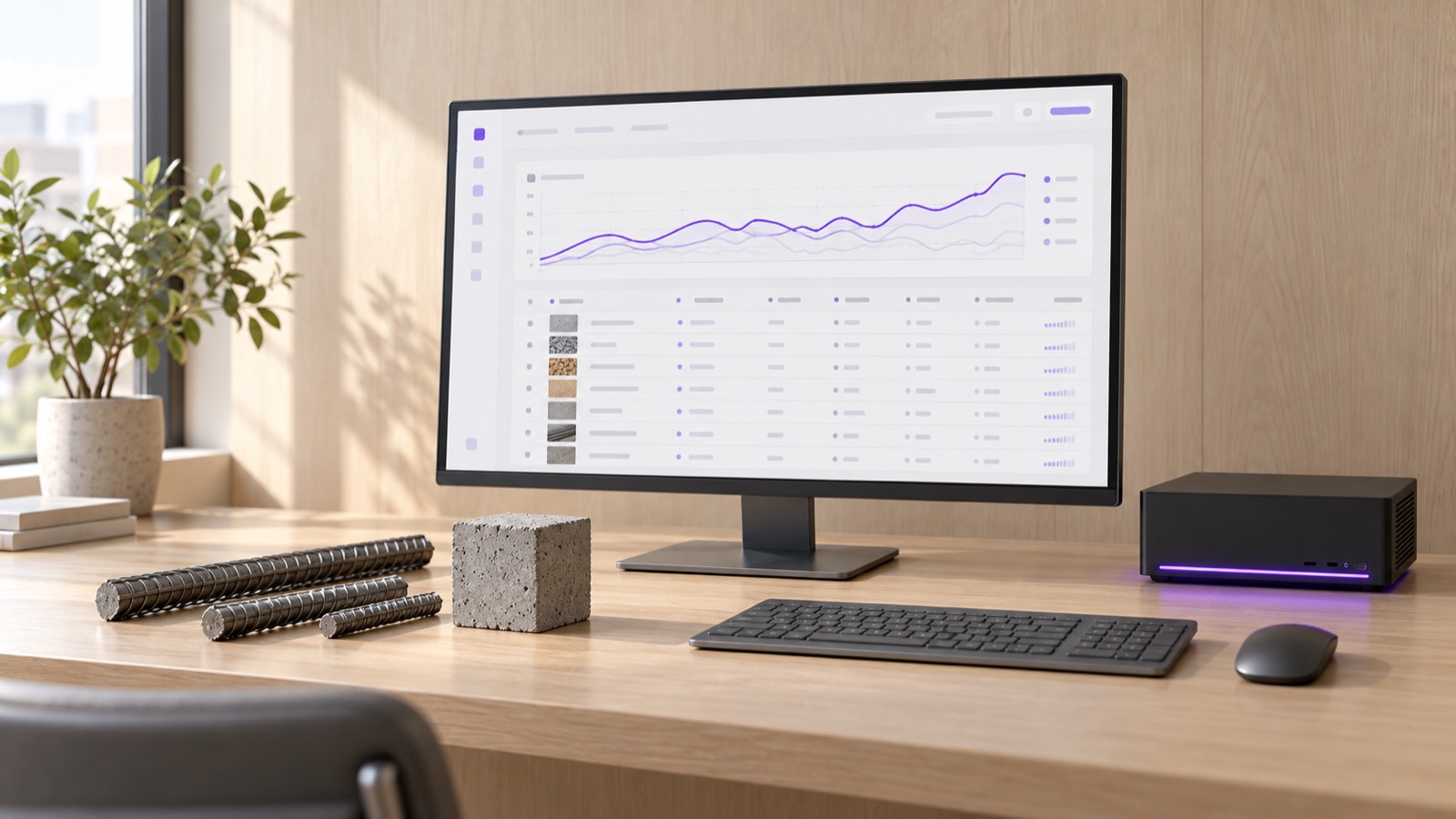
Pricing and Resources in AiServa, on a pale oak desk beside a graphite server
request_quote

Pricing and Resources

Your own prices first, market prices beside them, labour and plant in one library.

checkPricing Database
Item first price library with three tabs, and AI Estimate kept apart from real prices.
checkBasic Prices
A tab after Resources for materials, labour and plant rates used by every item.
checkAuto-Price
Matches basic prices from your own data, then asks AI only where needed.
checkMarket Prices
Monitored prices for concrete, rebar, steel, fuel, labour and more, with alerts and FX to your currency.
checkManpower
A labour library with grades, overtime, hourly to monthly rates and a Key Staff register.
checkMachinery
A plant library with capacity, operator, fuel and mobilisation, plus an Equipment Register.
checkSite Progress
Progress reports with photos, approvals and an S-Curve with SPI and variance.
checkContacts
Staff, clients, suppliers, subcontractors and authorities, with email, CSV and vCard.
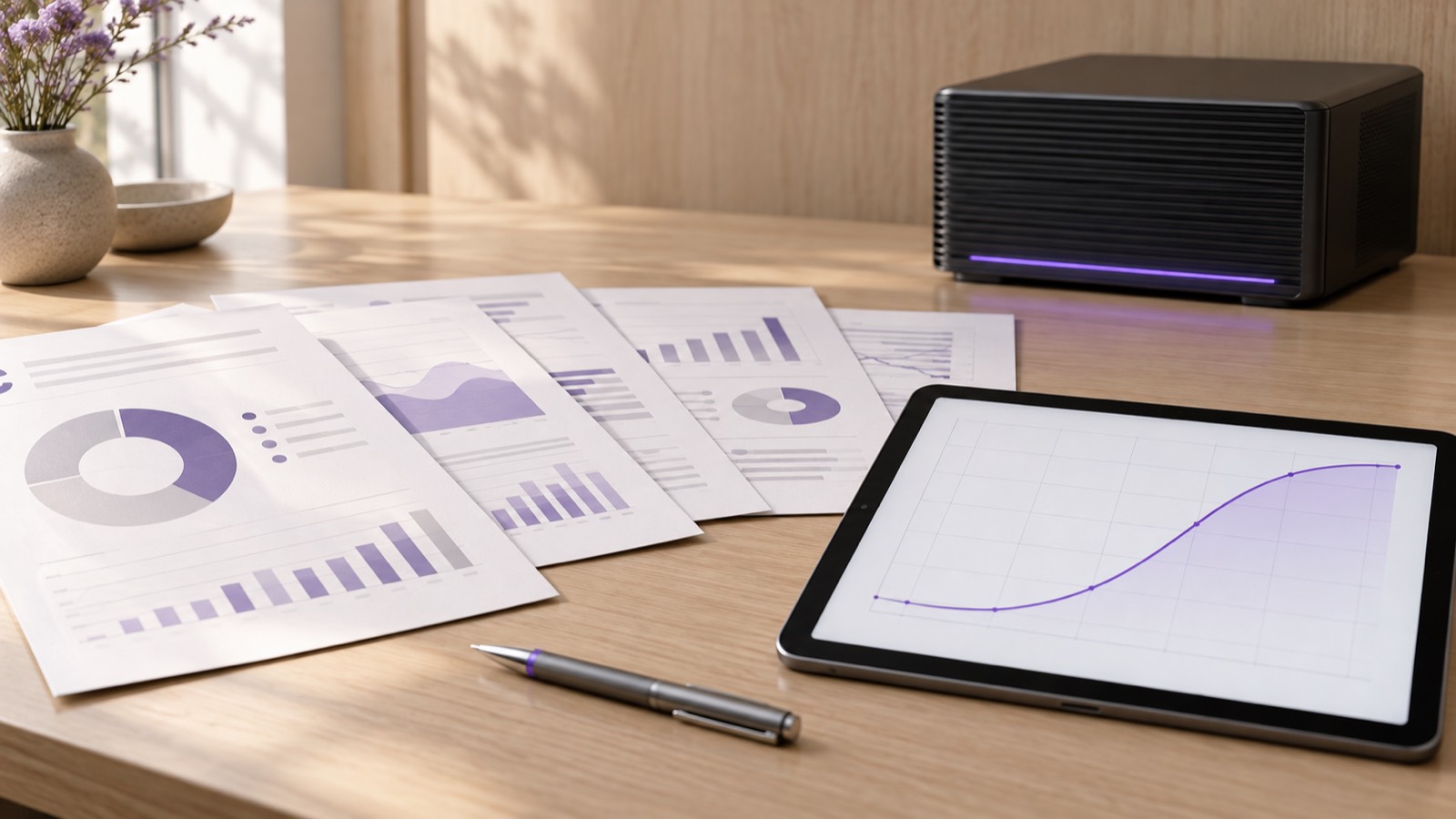
Reports and Documents in AiServa, on a pale oak desk beside a graphite server
summarize

Reports and Documents

Every report in one place, generated on your template, in English or 简体中文.

checkReports
One central app: by app or by project, with history, scheduled reports and bid results.
checkReport Center
Price summaries, cost breakdowns, registers, PQP and HSSE plans, key staff and plant lists, each with its own skill.
checkYour Own Templates
Upload an Excel or Word template per report and AI fills it.
checkGenerate Document
A guided Generate step: checklist, save to Knowledge Base, language, then the file.
checkAnimated Decks
Presentation decks in a polished house style, as slides or PDF.
checkOrg-Branded Documents
Every PDF, Office file and email in your organisation's colours and logo.
checkDocument Language
Original, English or 简体中文 for every report, with whole-file translation.
checkSales Documents
Quotations to invoices as PDFs on your letterhead.
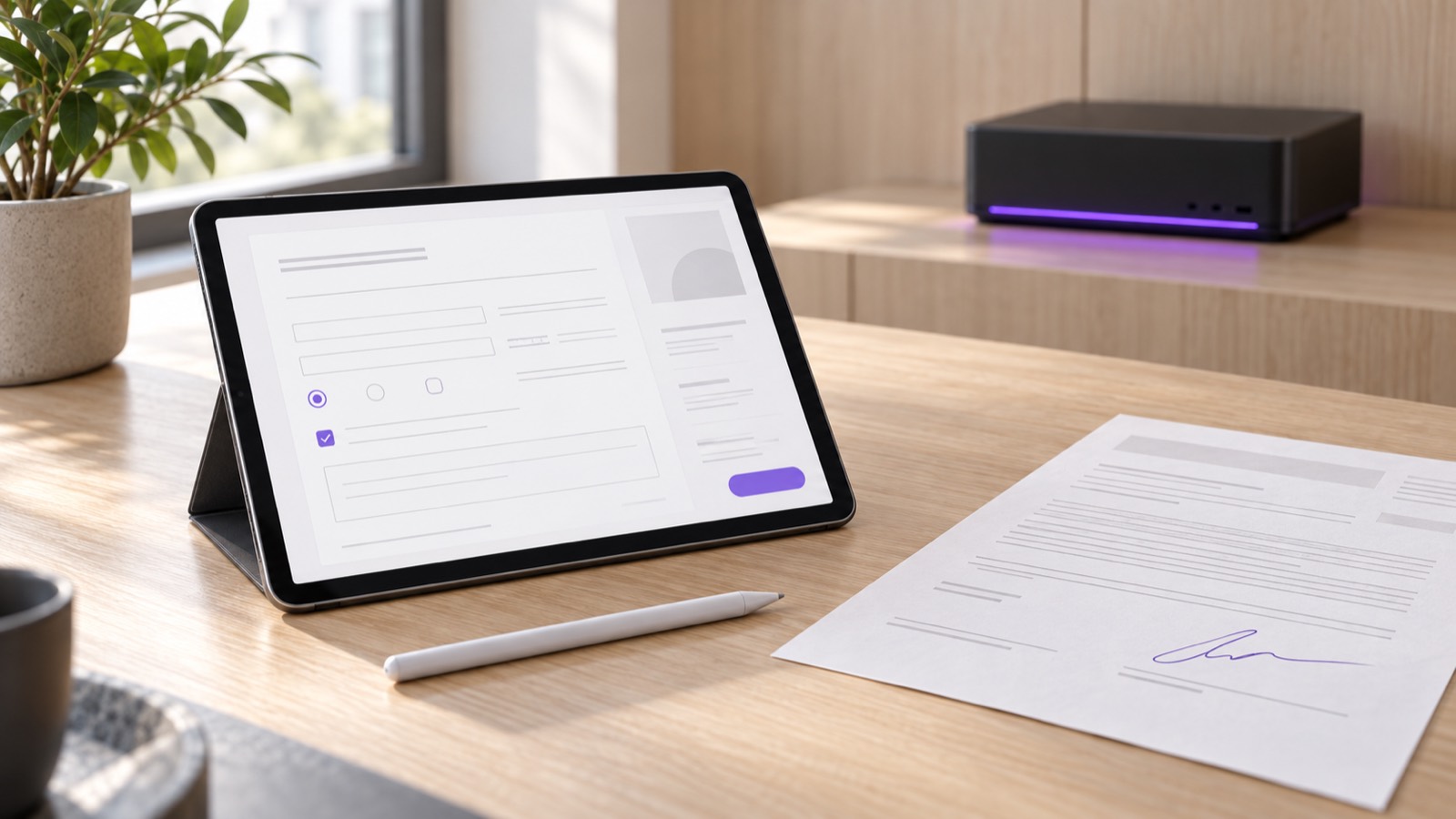
PDF Editor and Office Files in AiServa, on a pale oak desk beside a graphite server
picture_as_pdf

PDF Editor and Office Files

Open, edit and fill documents in the browser, with AI doing the typing.

checkPDF Editor
Fill, add text, highlight, white out, stamp, note and reorder pages.
checkAI Form Fill
AI fills a PDF form from your company, your profile, a bid or a contact.
checkSignatures
Your saved signature, placed only when you ask to sign.
checkTrue Redaction
Redacted text is removed from the file, not just covered.
checkWord and Excel
Open and edit Word and Excel files beside the chat.
checkVersions and Ask AI
Every save is a version, and Ask AI edits the open file for you.
Knowledge Base in AiServa, on a pale oak desk beside a graphite server
library_books

Knowledge Base

Company files in Public, your own in Private, all searchable by AI.

checkPublic and Private
Company files in Public, your own in Private, with Read, Contribute or Manage rights.
checkProjects
Virtual project folders that tag files from Bids and Tenders automatically.
checkAI Tags
A summary, type and tags written for every document.
checkFolder Upload
Upload a whole folder with its subfolders, by picker or drag and drop.
checkMove All Files
One click, resumable move of every file to new storage, with a progress bar.
checkCited Answers
Answers name the passage they came from.
Teamwork and Automation in AiServa, on a pale oak desk beside a graphite server
groups

Teamwork and Automation

Work that runs on its own, and approvals that keep a record.

checkScheduled Jobs
Up to 10 tasks run in order on a schedule, with partial results kept.
checkSkill Templates
Up to 10 templates per skill, each with when to use it, and AI picks the right one.
checkApprovals
Any approval request, sent to the right person, with a full record.
checkIssue Chat
An issue opens full height in the right panel, like a chat app.
checkTo-Do Lists and Calendar
Kept by you and by the agent, with reminders.
checkNotification Center
Approvals, shares and alerts in one panel.
Admin and Platform Console in AiServa, on a pale oak desk beside a graphite server
admin_panel_settings

Admin and Platform Console

One AI Workspace for staff, a Client Console for admins, a Platform Console for VYROX.

checkPortal Access
AI Workspace Access, Client Console Access and Organisation Data Access, set per role.
check49 Permission Areas
Roles with view, create, edit and delete rights, plus per-person overrides.
checkToken Usage
Hourly token use per person and model, for people and admins.
checkAgent Models
Primary, Fallback, Reader and Image Generator models, set by Platform Admins.
checkManaged Updates
VYROX ships updates with staged rollout and roll back to the last good version.
checkSwitch To
Move between AI Workspace and consoles in the same tab.
Servers, Bridge and Remote in AiServa, on a pale oak desk beside a graphite server
dns

Servers, Bridge and Remote

Your own servers, managed from the browser.

checkVYROX AI
The default AI provider for every organisation, included and managed for you.
checkBridge Models
VYROX AI Combo models running on a server you own, added in a few clicks.
checkServer Models
Manage local, Bridge and cloud models per server.
checkServer Terminal
A full terminal to your paired servers in the browser, audited.
checkRemote Desktop
Peer to peer remote desktop to a paired computer, with no relay.
checkImage Generation
Images made by a model on your own server.
Desktop, Phone and Languages in AiServa, on a pale oak desk beside a graphite server
devices

Desktop, Phone and Languages

The same workspace on every screen, in English or 简体中文.

checkApp Launcher
One Apps button opens every app as a home screen grid.
checkAiServa Desktop
Mac, Windows and Linux, with local folders and computer control.
checkPhone
Installs on a phone home screen like an app.
checkChrome Extension
The agent in a side panel of your own Chrome.
checkEnglish and 简体中文
The whole interface in English by default or Simplified Chinese, per person.
checkContext-Aware AI
The AI knows the app, page, tab and item you are looking at.

Tools you switch on.

AiServa Tools page
Search, email, browser, documents and a calculator.
AiServa AI Agent task screen
A task with sources, next steps and a summary.

See All 40 Screens

What It Works With, Up Close.

Five parts of the toolbox that do most of the heavy lifting. Your administrator decides which of them each person can use.

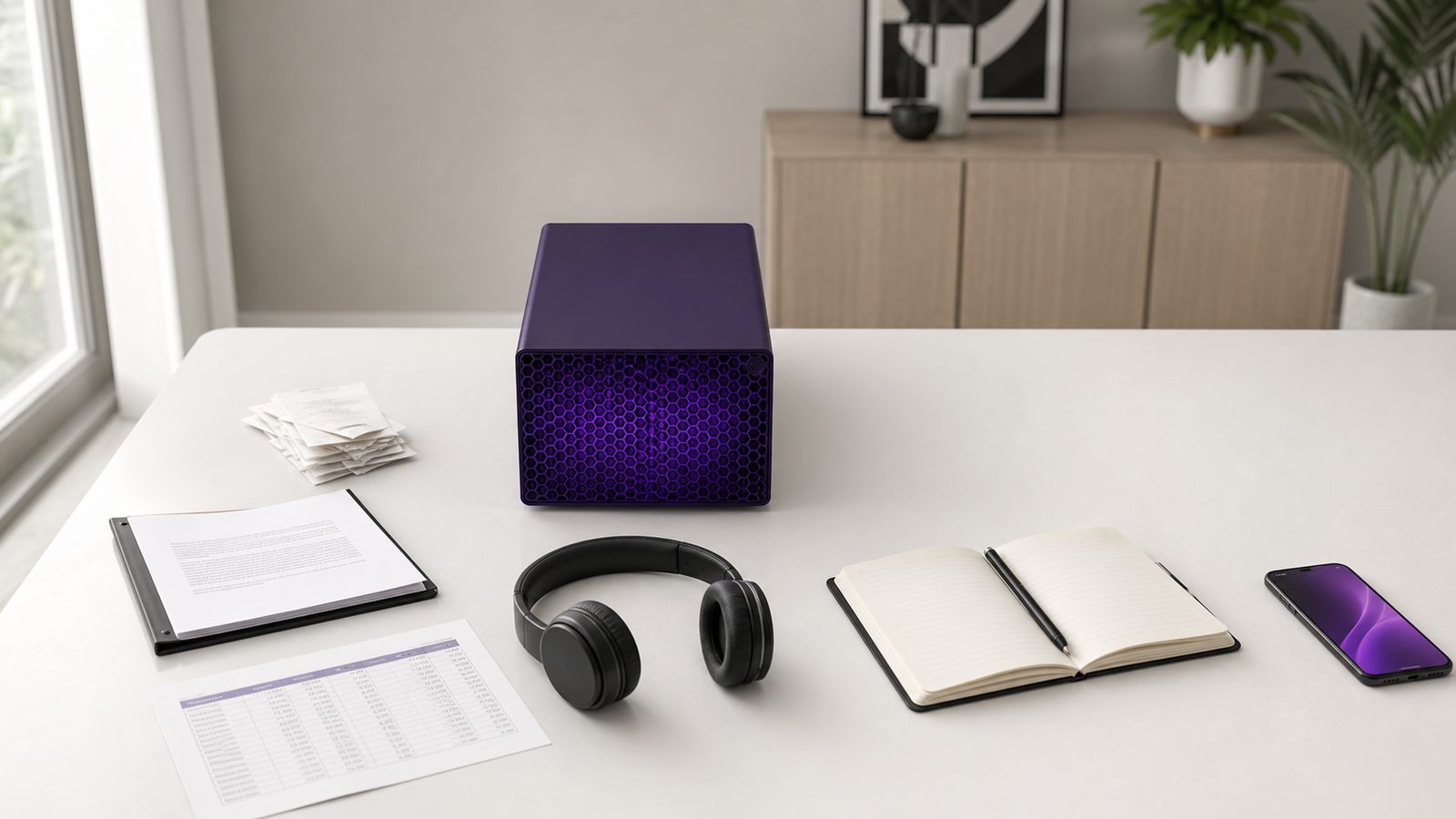
Overhead view of a desk with a violet local AI server surrounded by receipts, a contract, a spreadsheet and a notebook, the kind of documents a Knowledge Base is built from
Knowledge

Knowledge Base That Cite the Source.

Put policies, contracts, manuals and past work into a Knowledge Base for the whole organisation, one department or just yourself. AI Agent searches it first and answers with the sources it used.

  • check_circle Original files kept, to view, download or print: Word and Excel open with their layout in the browser, a PDF at the cited page
  • check_circle Every source shows its match percentage, and the RAG Lab shows each stage of a search
  • check_circle Local embedding models, or any OpenAI-compatible embedding API
  • check_circle Built-in vector store or Qdrant, where only vectors and ids are stored and the text stays on your server
language
Browser

A Browser It Can Drive, Carefully.

The Browser Controller works on your AI server, inside your own Chrome through the AiServa Chrome extension, or in a window of its own in AiServa Desktop, which also offers a separate Computer Controller for your own screen.

  • block Refuses password, card and one-time-code fields
  • pan_tool Asks Allow or Skip before it buys, pays, sends, submits or deletes
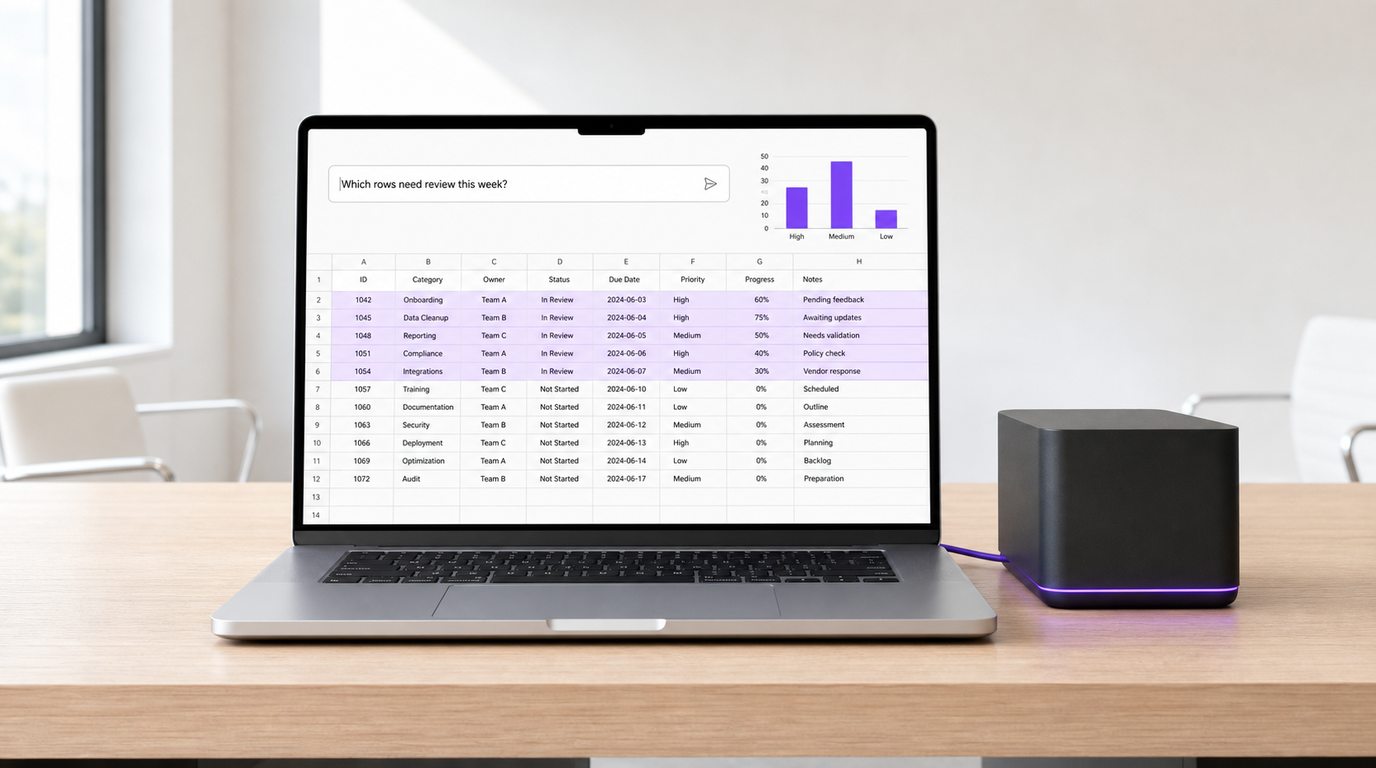
A laptop showing a spreadsheet with highlighted rows and a summary bar chart above it, connected by cable to a local AI server
Files

Real Files, Not Just Text.

File Tools create PDF, Word, Excel with working formulas, PowerPoint, CSV, Markdown, TXT, JSON and HTML. PDF Tools merge, split and extract pages. Scanned PDFs are read by the OCR Reader on your own server.

Skills, Commands, Plugins and MCP Servers

Teach It Your Way of Working.

Four separate kinds of add-on, each added for one person, the whole organisation or the platform.

MCP Servers
Your own MCP servers, set to Ask Before Every Use or No Need to Ask. Keys stay server-side.
Skills and Skill Library
Personal and organisation skills, plus admin-reviewed open SKILL.md skills, licence-checked and scanned, with scripts never run.
Commands
Saved prompts anyone can run by typing /name.
Plugins
Skills, commands and MCP servers bundled to install together. Removing one takes away exactly what it added.
Control

Approvals and File Sharing, Built In.

approval

Approvals. Staff request access and a named person approves it, with time-limited grants. Nobody can approve their own request.

folder_shared

File Sharing. Share a file with view, download or edit permission and an expiry date. Every change is kept in the file history, and Notifications tell people what arrived.

Primary, fallback and reader models.

AiServa AI Agent Settings Models tab
Primary, Fallback, Reader and Image Generator.
AiServa Frameworks page
Run on AiServa, or on LangChain and LangGraph.

See All 40 Screens

Models: VYROX AI, Local or Your Own Keys.

Every organisation starts with VYROX AI, included and managed by VYROX. Add open-weight models on your own server, Bridge models (VYROX AI Combo) on a server you own, or your own cloud key. Your administrator decides which models are switched on.

Models are installed, switched and stopped from the console. Image models such as Qwen-Image, FLUX and SD 3.5 can also be installed on the server.

dns On Your Own Server

  • Qwen 3.x (default)
  • Gemma 4
  • gpt-oss
  • Llama 3.1 and 3.2
  • DeepSeek-R1
  • Mistral Small
  • Ministral
  • Magistral
  • Phi-4
  • Granite 4
  • Nemotron

key Cloud, Only With Your Own Key

  • OpenAI
  • Anthropic
  • Google Gemini
  • xAI
  • Meta Llama API
  • Mistral
  • Cohere
  • DeepSeek
  • Alibaba Qwen
  • Moonshot Kimi
  • Z.ai GLM
  • MiniMax
  • StepFun
  • Xiaomi MiMo
  • Baidu ERNIE
  • Volcengine Doubao
  • Tencent Hunyuan
  • OpenRouter
  • DeepInfra
  • Together
  • Fireworks
  • Groq
  • Cerebras
  • NVIDIA NIM
  • SiliconFlow
  • Any OpenAI-Compatible Endpoint

settings_ethernet Also Works With

  • vLLM
  • LM Studio
  • llama.cpp
  • LocalAI

Ways In

desktop_windows

AiServa Desktop

For macOS, Windows and Linux. Sign in with a device code; tasks sync with the AI Workspace.

extension

AiServa Chrome Extension

A side panel in your own Chrome, downloaded from the AI Workspace, that lets the agent work in the browser you already use.

api

REST API v1

Your systems start AI Agent tasks, collect the answer and the files it made, and search knowledge base with scoped keys, plus signed webhooks when things happen.

Create your own AiServa workspace.

Free for 14 days with every feature. Sign up, pair your own AI server or add your own cloud keys, invite your team and give the AI Agent a real task.