
Your Servers, Your Cluster
Computation runs only on machines your organisation adds. The browser workspace plans, queues and shows results; it never computes.
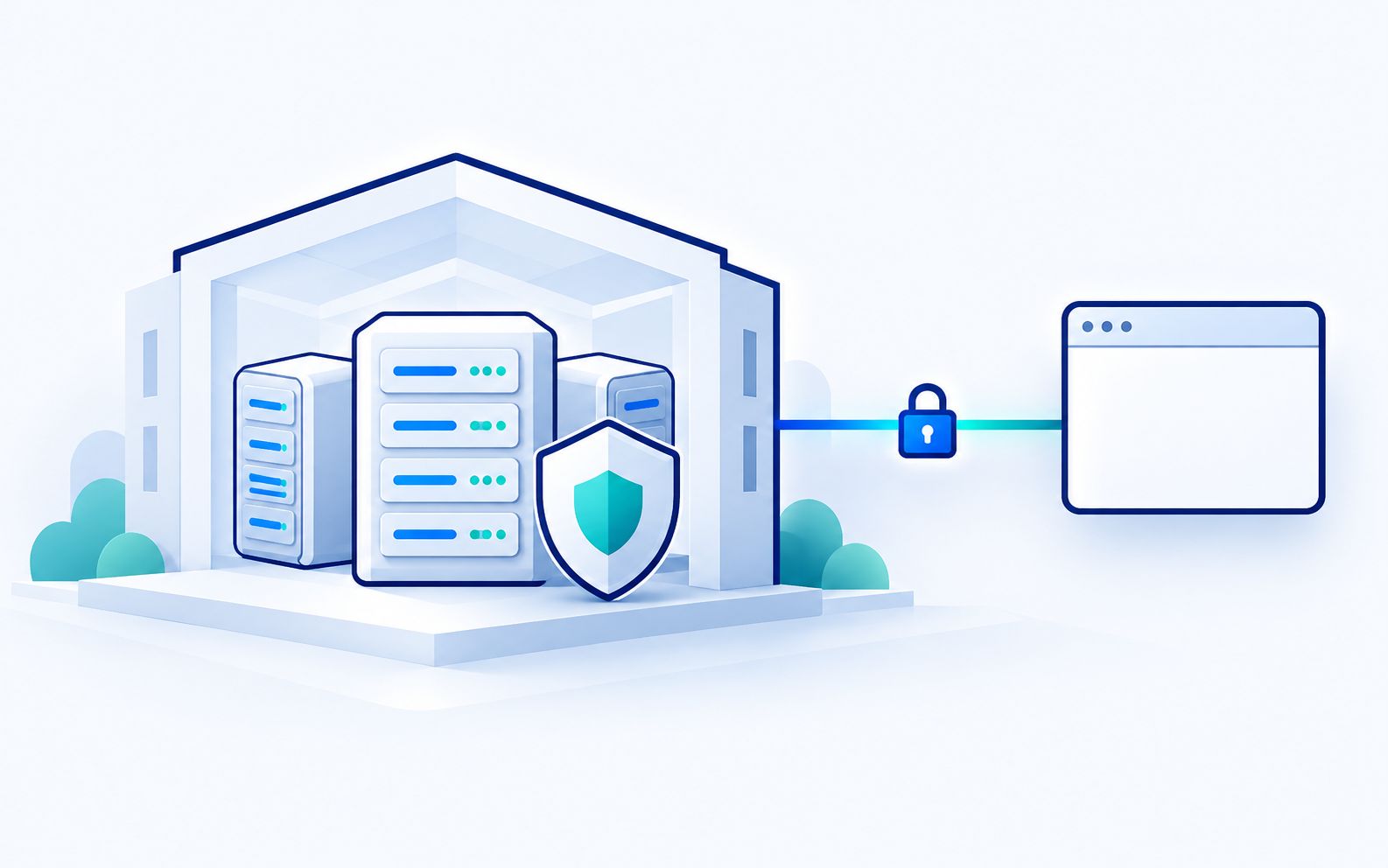
Scale Out on Your Own Cluster
Nodes light up, ranks share one SCF, a lost node is recovered from a checkpoint.
Space or K plays and pauses, the arrow keys step. With reduced motion every step is shown at once.
1. Pair your nodes Your own servers, paired once. Slurm, PBS and LSF submission is in build. Keys stay on your agent server.
Three Ways to Scale
One Server
Pair a workstation or server once from the console. The Chemistry Lab estimates each job and picks CPU or GPU.
Own-Server Cluster
Group your servers and split one SCF over up to 64 ranks with bitwise reproducible sums, or split frequency rows across servers.
HPC Scheduler
In build, not released: submission to Slurm, PBS or LSF through your agent server, with keys made there and host keys pinned after you confirm the fingerprint.
Set Up in Four Steps
- Create the organisation
Your administrator signs in and invites the team. - Pair servers
Pair each machine from the console; it appears with its CPUs, GPUs and memory. - Install the engine
A signed release, installed per server from the console. - Set policies
Who may queue, maximum nodes, node-hours per month and checkpoint rules.
What Stays with You
- Inputs, outputs and files on your servers and your storage
- Engine binaries installed per server, no calls to outside services while computing
- Node-hours from the built-in job queue's own accounting
- Access rights checked on every action, with an audit trail
Deployment Questions
Do you host the computation?
Which machines can be paired?
Do I need a VPN or open ports?
How are engine updates installed?
Run Your Next Molecule Through AiMolSim
Describe a molecule and your question; the assistant drafts the plan and you approve it. Or see it first in a 30 minute demo.